Pings From the Past: The Creepy Tech Glitch That Makes Deleted Apps Come Back to Haunt You
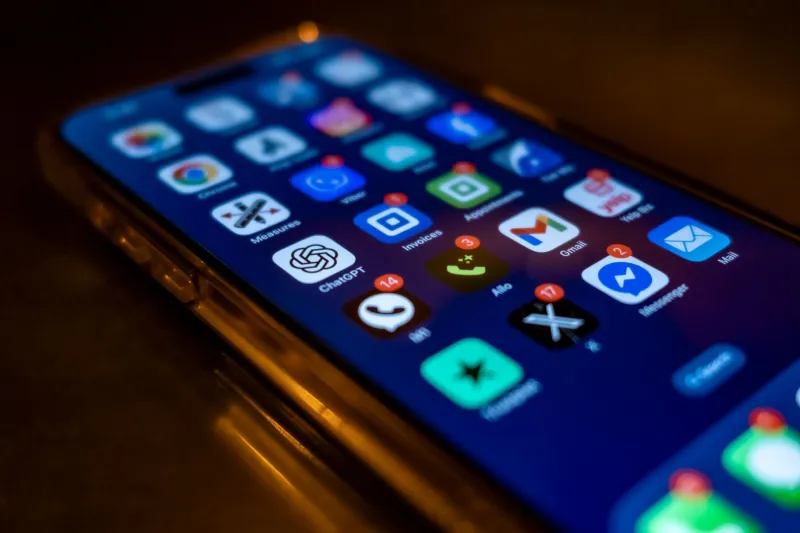
It happens at the worst possible moment. You're in a meeting, at dinner, or half-asleep at midnight, and your phone lights up with a notification from an app you absolutely, one hundred percent deleted somewhere around the Obama administration. Maybe it was a food delivery service you used once. Maybe it was that meditation app you downloaded during a particularly optimistic January. Either way, it's gone — except, apparently, it isn't.
Welcome to the notification graveyard, a strange corner of the smartphone experience that nobody warned you about when you signed the invisible terms-and-conditions contract of modern life.
So... How Does This Even Happen?
Here's the thing about deleting an app: you're not actually severing every connection it ever made. When you tap that little "X" and watch the icon disappear, you're removing the application itself from your device's storage. But apps don't live in a vacuum. They're tied to backend servers, cloud accounts, push notification services, and sometimes third-party platforms that keep chugging along completely indifferent to your decision to uninstall.
Push notifications, specifically, run through intermediary services — most commonly Apple's APNs (Apple Push Notification service) or Google's Firebase Cloud Messaging on Android. When an app registers your device for notifications, it gets a unique token that essentially acts like a mailing address. The problem? That token doesn't always get cleanly invalidated when you delete the app. The server on the other end might still have your address on file and keep sending mail to it.
In some cases, those queued-up messages can sit in a kind of digital purgatory for days, weeks, or even longer. When conditions are right — a server restart, a software update, a shift in network timing — those old messages can suddenly push through to your device like a letter that got lost in the postal system and finally arrived three years late.
The Leftover Account Problem
Another major culprit is the account you never actually closed. Most people delete apps without bothering to deactivate their accounts first. The app company's servers don't know you've moved on. As far as they're concerned, you're still a user, and they're still dutifully sending you alerts about flash sales, friend requests, or whatever engagement bait they cooked up that week.
If you've ever logged back into an app after a long absence and seen a mountain of unread notifications, you've witnessed this in action. The difference is that sometimes those notifications actually find a way to surface on your device even without the app installed — especially if you're still logged into a connected service like Facebook, Google, or Apple ID that the original app was linked to.
Third-party login integrations are particularly sneaky here. An app that let you sign in with Google might still have active hooks into your Google account's notification pipeline, even after the app itself is long gone from your home screen.
When the OS Itself Is the Problem
Sometimes the ghost isn't coming from outside — it's coming from inside the house. Both iOS and Android have been known to cache notification data locally, and software bugs can occasionally cause that cached data to resurface unexpectedly after a system update. Users on Reddit forums and tech support communities have documented cases where updating their operating system suddenly produced a flood of notifications from apps they hadn't used in years.
This is particularly common when users restore a device from a backup. That backup is essentially a snapshot of your phone at a specific moment in time, and it can include notification queues, app registration tokens, and other residual data that your current phone then inherits — ghosts and all.
Tech support professionals who deal with this regularly describe it as a "data echo" — remnants of your past digital behavior bouncing back at you through the system in unexpected ways.
The Advertising Layer Nobody Talks About
There's one more layer to this that gets almost no attention: advertising networks. Many apps, especially free ones, integrate with ad platforms that operate independently from the app itself. These platforms can have their own notification mechanisms, and they're often far less scrupulous about cleaning up user data after an app is removed.
If you ever granted an app permission to send you marketing messages, that permission may have been passed along to an ad network that the app partnered with. Those networks can sometimes piggyback on system-level notification channels in ways that survive the deletion of the original app — particularly on Android devices, which historically have given apps more system-level access than iOS.
How to Actually Make It Stop
Good news: you're not completely powerless here. There are a few practical moves that can quiet the graveyard for good.
Revoke permissions before you delete. Before uninstalling any app, go into your phone's settings, find the app, and manually turn off notification permissions. This sends a cleaner signal to the app's backend that your device is opting out.
Close your account, not just the app. This one requires a little extra effort, but it's worth it. Log into the app one last time and find the account deletion or deactivation option before you uninstall. Most apps are legally required to provide this, especially after GDPR and California's CCPA regulations came into effect.
Check your connected apps. On both Google and Apple accounts, there's a section in your security settings that shows every third-party app you've ever authorized. Audit it. Revoke access for anything you no longer use. It takes ten minutes and it's genuinely satisfying.
On Android, check your notification history. Android 11 and later versions keep a log of recent notifications. If you're getting mystery pings, this log can help you trace exactly which service or app ID is responsible, even if the original app is gone.
Factory reset as a last resort. If you're dealing with persistent ghost notifications that nothing else fixes — especially after a device restoration — a clean factory reset is the nuclear option. It's annoying, but it works.
The Bigger Picture
The notification graveyard is a pretty good metaphor for the broader way the tech industry handles user data: slowly, incompletely, and mostly in its own interest. Companies have little incentive to aggressively clean up their server-side records of you, because that data still has value to them even after you've moved on.
Every phantom ping is basically a reminder that your digital footprint doesn't disappear when you want it to. It fades gradually, unevenly, and sometimes it circles back around to buzz in your pocket at 11:47 on a Tuesday night.
The apps may be gone. But they're not forgotten — at least not by the servers still holding your mailing address.